

Roaming, local SIM or travel eSIM: how to choose for your next trip
Three ways to get mobile data abroad, and each suits a different traveller. This guide explains what roaming, a local SIM and a travel eSIM actually involve, where each one falls short, and a quick way to decide before you book.
By Landfall ·
Roaming, local SIM or travel eSIM: how to choose for your next trip
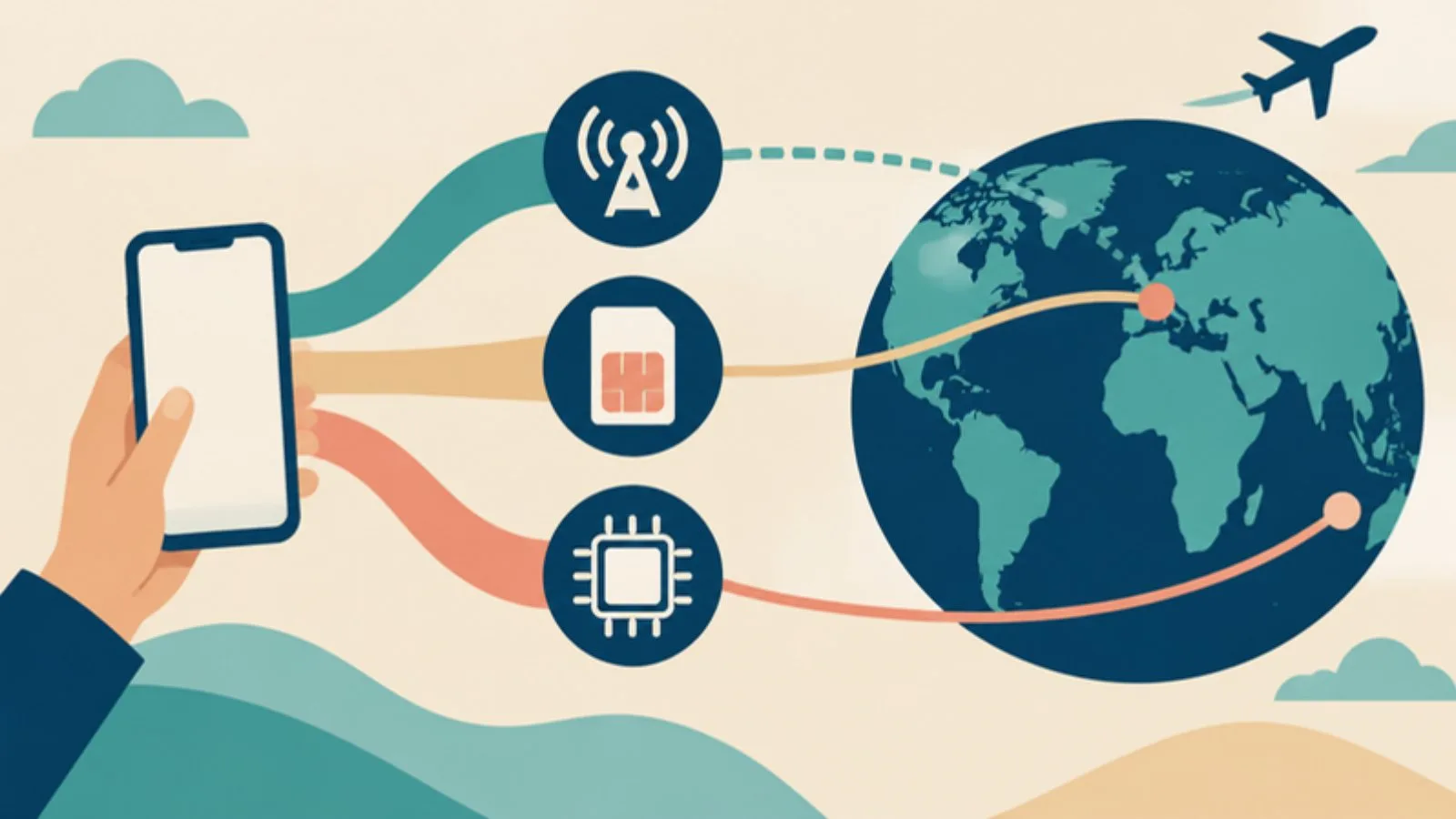
There are three common ways to get mobile data abroad: keep using your home plan on roaming, buy a local SIM at your destination, or install a travel eSIM before you leave. None is right for everyone.
As a rule of thumb: roaming suits short trips when your plan already includes it; a local SIM suits long stays or anyone who needs a local phone number; and a data-only travel eSIM suits trips of a few days to a few weeks when you want data on landing and a known cost. The rest of this guide explains why, and what each option can't do.
Option 1: roaming on your home plan
Roaming means your home carrier lets your phone use a partner network overseas. Nothing changes on your phone, and you keep your number for calls and texts. Roaming on an eSIM works the same way as roaming on a physical SIM [1].
The risk is cost. Australia's communications regulator warns that roaming charges for calls, texts and data can be very high, and that charges can vary by destination [2]. Some carriers include roaming in certain plans or sell travel passes ahead of time [1].
Before relying on roaming, ask your carrier [2]:
- Does my plan include roaming at my destination?
- What will I pay for data, calls and texts there?
- How do I check my usage while I'm away?
- How do I turn roaming off?
Roaming makes most sense when your plan already covers your destination, or your trip is short enough that a travel pass costs little.
Option 2: a local SIM or local eSIM
You buy a prepaid plan from a carrier in the country you're visiting. Many local plans come with a local phone number [1], which helps if you need to book restaurants by phone or receive local calls.
The trade-offs:
- You may need ID. Depending on local regulations, you might have to show your passport to buy [1].
- You buy it after arrival or in advance. Some local carriers sell eSIM plans online before you travel; others need a visit to an airport kiosk or store [1].
- Your phone must be unlocked to use another carrier [1].
- Your home number stays active only if your phone supports two SIMs at once.
A local SIM makes most sense when you're staying for an extended period or need a local number. If you subscribe to government travel alerts, update your contact number so you still receive them [3].
Option 3: a travel eSIM
A travel eSIM is a prepaid data plan from a provider that sells plans for many countries. You install it on your phone before you leave, and it sits alongside your home line.
Three stages are worth knowing:
- Installation downloads the eSIM to your phone, usually over Wi-Fi at home.
- Activation happens when it first connects to a network at your destination.
- Plan validity, when your days start counting, depends on the plan. Some start on first connection; others start when installed.
On a phone that supports dual SIM, you can keep your home line for calls and texts while the travel eSIM handles data. An iPhone uses one line for mobile data at a time [4].
The trade-offs:
- Many travel eSIMs are data only. Landfall eSIM plans, for example, don't include a phone number unless a plan says otherwise; calls and messages over apps still work [5].
- Your phone must support eSIM and be unlocked [1].
- Your home line can still incur charges. Keeping it on for calls and texts means your home carrier may charge for those while you're abroad. Turning off data roaming on the home line helps avoid data charges, but check your carrier's rates for calls and texts [2][5].
A travel eSIM makes most sense when you want data from the moment you land, your trip is a few days to a few weeks, and you don't need a local number.
Side by side
| Roaming | Local SIM or eSIM | Travel eSIM | |
|---|---|---|---|
| Set up | Usually nothing; check plan | Buy at destination or online | Install before you leave |
| Local phone number | No | Often | Usually not |
| Keeps home number active | Yes | Only on a dual-SIM phone | Yes, on a dual-SIM phone |
| Cost control | Depends on your plan or travel pass | Prepaid | Prepaid |
| Phone must be unlocked | No | Yes | Yes |
| ID at purchase | No | May be required | Depends on provider |
A quick way to decide
- Does my home plan already include my destination? If yes, roaming may be enough.
- Do I need a local phone number? If yes, consider a local SIM.
- Is my phone unlocked and eSIM-compatible? If not, roaming may be your only option.
- Will I be away more than a month? Compare local plans as well as travel eSIMs.
- Do I need to receive texts to my home number, such as bank codes? Keep your home line on, with data roaming off.
Whatever you choose
Download offline maps and entertainment before you leave, and turn off automatic app updates, to keep data use down on any plan [2]. If you want no mobile charges at all for a while, aeroplane mode stops roaming, but you also won't send or receive calls and texts [2].
Next step
If a travel eSIM suits your trip, first check your phone is compatible, then browse Landfall's destinations.
Sources (accessed 11 Nov 2026)
- Apple Support, Use eSIM while travelling internationally with your iPhone: https://support.apple.com/en-au/118227
- ACMA, Using your mobile or smart device overseas: https://www.acma.gov.au/using-your-mobile-or-smart-device-overseas
- Smartraveller, Going overseas to backpack (mobile phone rates): https://smartraveller.gov.au/before-you-go/activities/backpacking
- Apple Support, Using Dual SIM with an eSIM: https://support.apple.com/en-us/109317
- Landfall, FAQ: https://landfallesim.com/faq