

Your first 24 hours in Bali: arriving at Ngurah Rai Airport
Flying into Bali? Sort your visa on arrival, arrival card and tourist levy before you board, find the official taxi counter or ride-hailing pick-up at Ngurah Rai, and get your phone online as soon as you land, with a checklist for arrival day.
By Landfall ·
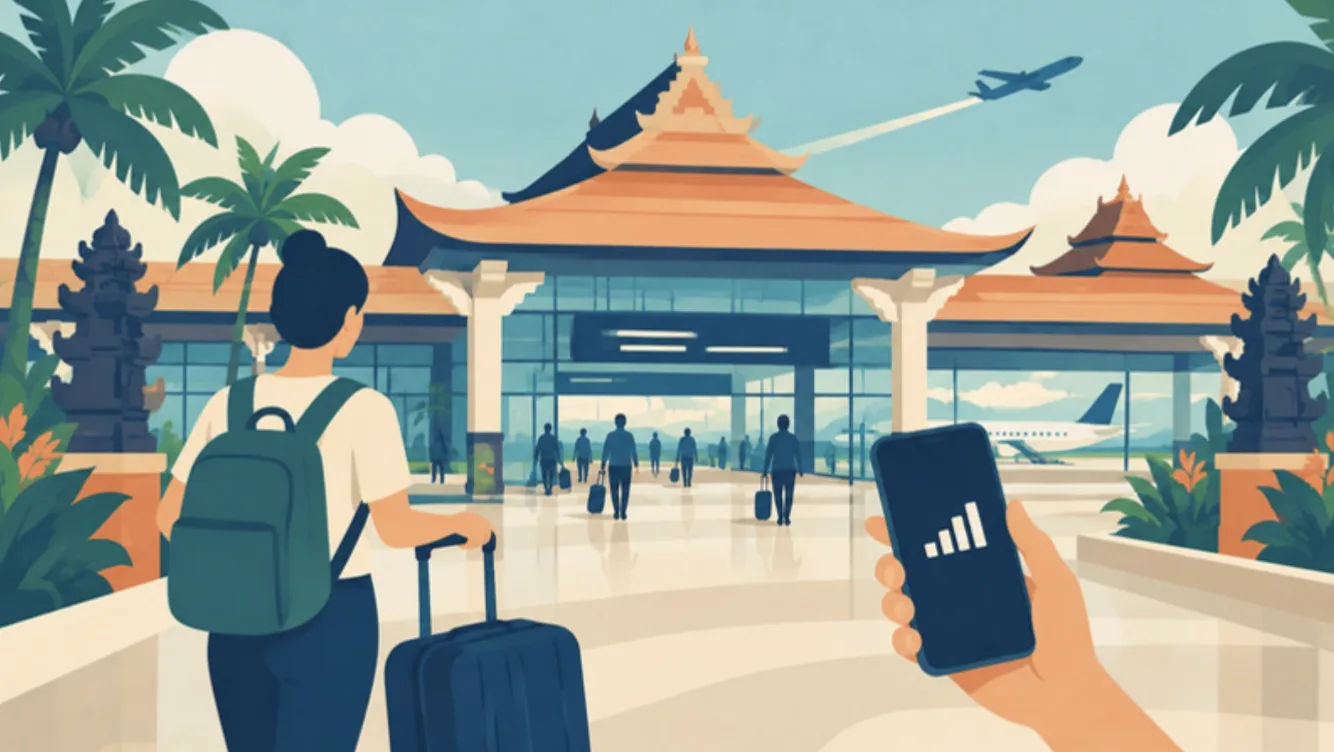
Your first 24 hours in Bali: arriving at Ngurah Rai Airport
This guide covers flying into Bali's I Gusti Ngurah Rai International Airport (DPS), near Denpasar, and getting to your accommodation with your phone working. If you're arriving elsewhere in Indonesia first, entry rules are the same but transport isn't.
The short version: do three things online before you fly (visa, arrival card and Bali's tourist levy), set up mobile data at home, and decide in advance how you'll get from the airport.
Before you leave home
Check your visa
Many nationalities can get an electronic visa on arrival (e-VOA) online before travelling [1]. As at 11 November 2026, it costs IDR 500,000, allows a stay of up to 30 days and can be extended once by another 30 days [1]. Your passport needs at least six months' validity, and you may be asked for a return or onward ticket [1]. Check your own nationality on the official site, because eligibility differs.
Submit your arrival card
Indonesia's All Indonesia arrival card is completed online, within three days before you arrive [2]. It brings the immigration, customs and health declarations together in one form.
Pay the Love Bali tourist levy
International visitors to Bali pay a one-off levy of IDR 150,000 per person (as at 11 November 2026) [3]. You can pay online through the official Love Bali site or app before you travel, or at counters at the airport and ports [3]. Payment is cashless, by card or QRIS [3]. Paying online first means one less queue after a long flight. Keep the confirmation on your phone and saved offline.
Set up mobile data at home
If you're using a travel eSIM, install it at home on Wi-Fi and leave the line switched off until you land. Installing, activating and starting your plan's days are separate: depending on the plan, days may start when the eSIM first connects in Indonesia, or when you install it [4].
Landfall's Indonesia plans run on Indosat, Telkomsel and XL, work across Indonesia (not just Bali), and are data-only, so you won't get an Indonesian number [5]. Check that your phone is supported on our compatibility page.
Save these offline
Your accommodation address (in English and as a map pin), your e-VOA, arrival-card confirmation and levy receipt.
When you land: getting connected
- Switch on your travel line.
- Choose it for mobile data.
- Turn on data roaming for the travel line only, so it can join Indonesian networks as a visiting service.
- Keep your home line on for calls and texts, with its data roaming off. Your home carrier may still charge for calls or texts while you're abroad, so check its rates.
Indonesia requires phones on Indonesian SIM cards to be registered by IMEI. Indonesia's customs agency says visitors roaming on a foreign SIM don't need to register [6]. Check with your eSIM provider how its service is classified before you rely on this.
From the airport to your accommodation
- Official taxi: book at the official taxi counter in the international arrivals area [7]. You'll know the fare before you set off.
- Ride-hailing apps: Grab and Gojek both have designated pick-up points at the airport [7]. You'll need mobile data to book, which is one reason to have your travel line working before you clear the terminal.
- Hotel transfer: if your accommodation offers one, confirm the meeting point and a contact number before you fly.
Traffic around the airport and southern Bali can be heavy, so allow extra time, especially at peak hours.
Paying for things
The levy is cashless, and many larger businesses take cards or QRIS. (Our suggestion: carry some Indonesian rupiah as well for small purchases, and tell your bank you're travelling.)
If something doesn't work
- Your eSIM won't connect. Check, in order: data roaming is on for the travel line, the travel line is selected for data, and the line is switched on. Turn Aeroplane Mode on and off, and restart if needed [4]. Don't delete the eSIM; contact your provider first [4].
- You can't get online at all. Use airport Wi-Fi to contact your provider. For Landfall, email support@landfallesim.com with your order number, location and a screenshot of the line's settings [4].
- You haven't paid the levy. Use the counters at the airport [3].
Your Bali arrival checklist
- e-VOA approved (or visa for your nationality), passport valid six months or more
- All Indonesia arrival card submitted within three days of arrival
- Love Bali levy paid, receipt saved offline
- Travel eSIM installed at home, travel line switched off
- Home line set to data roaming off
- Accommodation address saved offline; transfer or taxi plan decided
- On landing: travel line on, selected for data, data roaming on for that line
Next step
If you'd like data ready when you land in Bali, see Landfall's Indonesia plans.
Sources (accessed 11 Nov 2026)
- Directorate General of Immigration, Republic of Indonesia, e-Visa and e-VOA: https://evisa.imigrasi.go.id
- Directorate General of Immigration, All Indonesia arrival card: https://allindonesia.imigrasi.go.id
- Bali Provincial Government, Love Bali (foreign tourist levy): https://lovebali.baliprov.go.id
- Landfall, FAQ: https://landfallesim.com/faq
- Landfall, Indonesia destination page: https://landfallesim.com/destinations/id
- Directorate General of Customs and Excise (Bea Cukai), IMEI registration guidance for travellers: https://www.beacukai.go.id
- I Gusti Ngurah Rai International Airport (InJourney Airports), transport information: https://bali-airport.com